Student records and enrollment
Keep a student’s identity, cohort and session placement consistent.
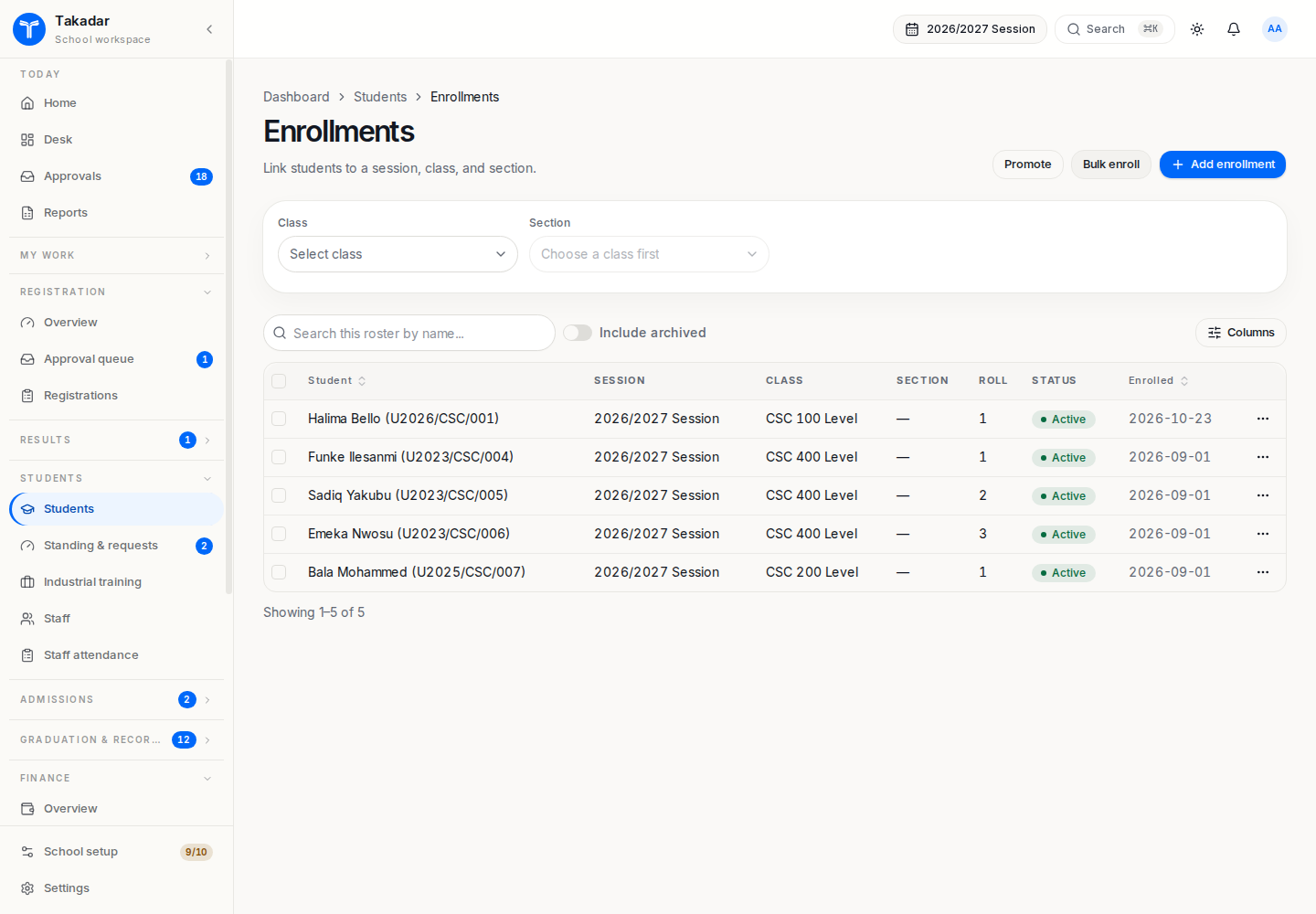
A student record describes the person. An enrollment places that person in a class or programme level for a particular session. In higher education, course registration is a separate step: a session placement does not register a course basket.
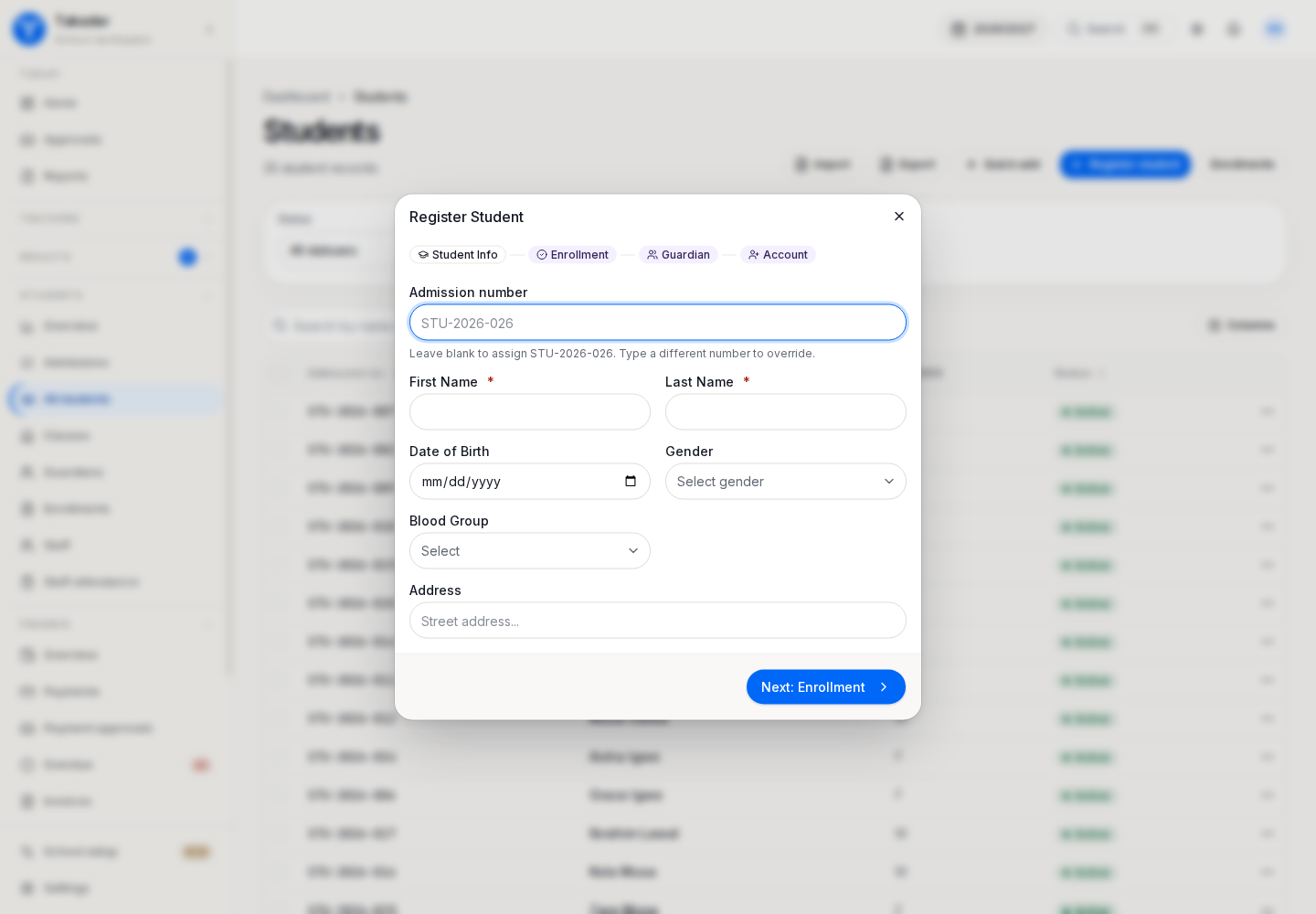
Create or load the student
Use Students for the record and Enrollments for the session placement. Current-student imports can load the roll with class and guardian information. An admissions application can also be converted or matriculated through the relevant admissions workflow.
Confirm the admission or matriculation number, name, status and cohort before saving. Use an existing student record when adding a later placement; do not create a new person for every academic year.
Place the student correctly
Select the session, class or programme level and section. Record a later joining term when appropriate. That date context matters for earlier-term fees and course availability.
For higher education, record the entry mode and entry level at matriculation. Direct Entry and transfer entrants may begin above the first level and may need deficiency courses or mapped credit. Enrollment study mode determines which full-time or part-time credit limits apply.
Link family access
A guardian must be linked to the correct child. The portal uses that relationship to scope records. A parent with more than one linked child must select the intended child before checking fees, assignments or results.
If a family cannot see a child, ask the school office to inspect the saved relationship and user linkage. Changing a name or sharing a URL does not establish the relationship.
Preserve the student’s path
Changing an intake does not renumber the student. Use rollover or approved progression workflows for later placements, repeats, transfers or returning students. For years completed before Takadar, use past placements and historical results so the student’s academic history follows their own sessions, including staggered batches.
In the demonstration application
These captures use synthetic seeded records. Select an image for the full-size view.