Sessions, terms and intakes
Work with several open sessions, regular and sandwich tracks, and late entrants.
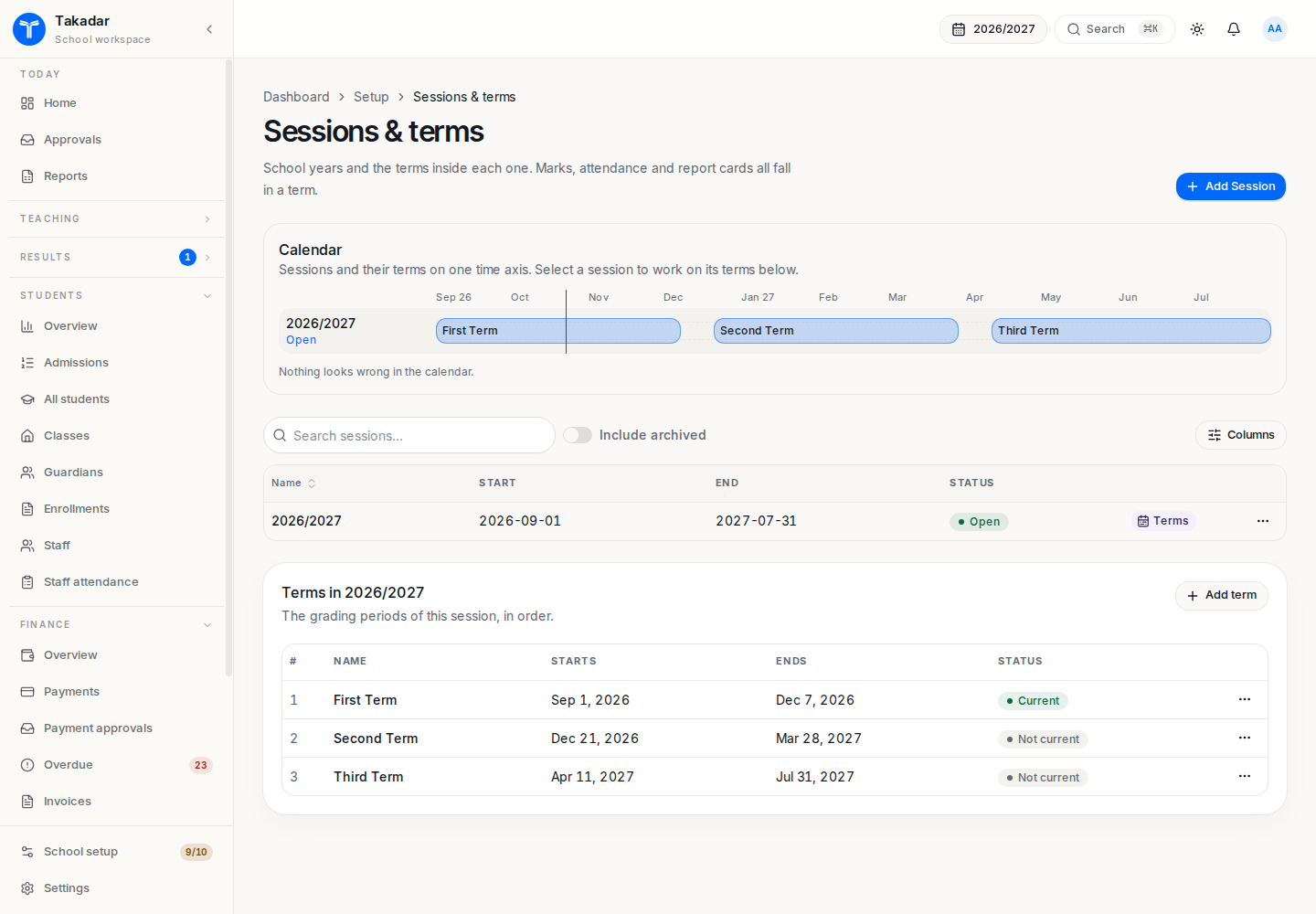
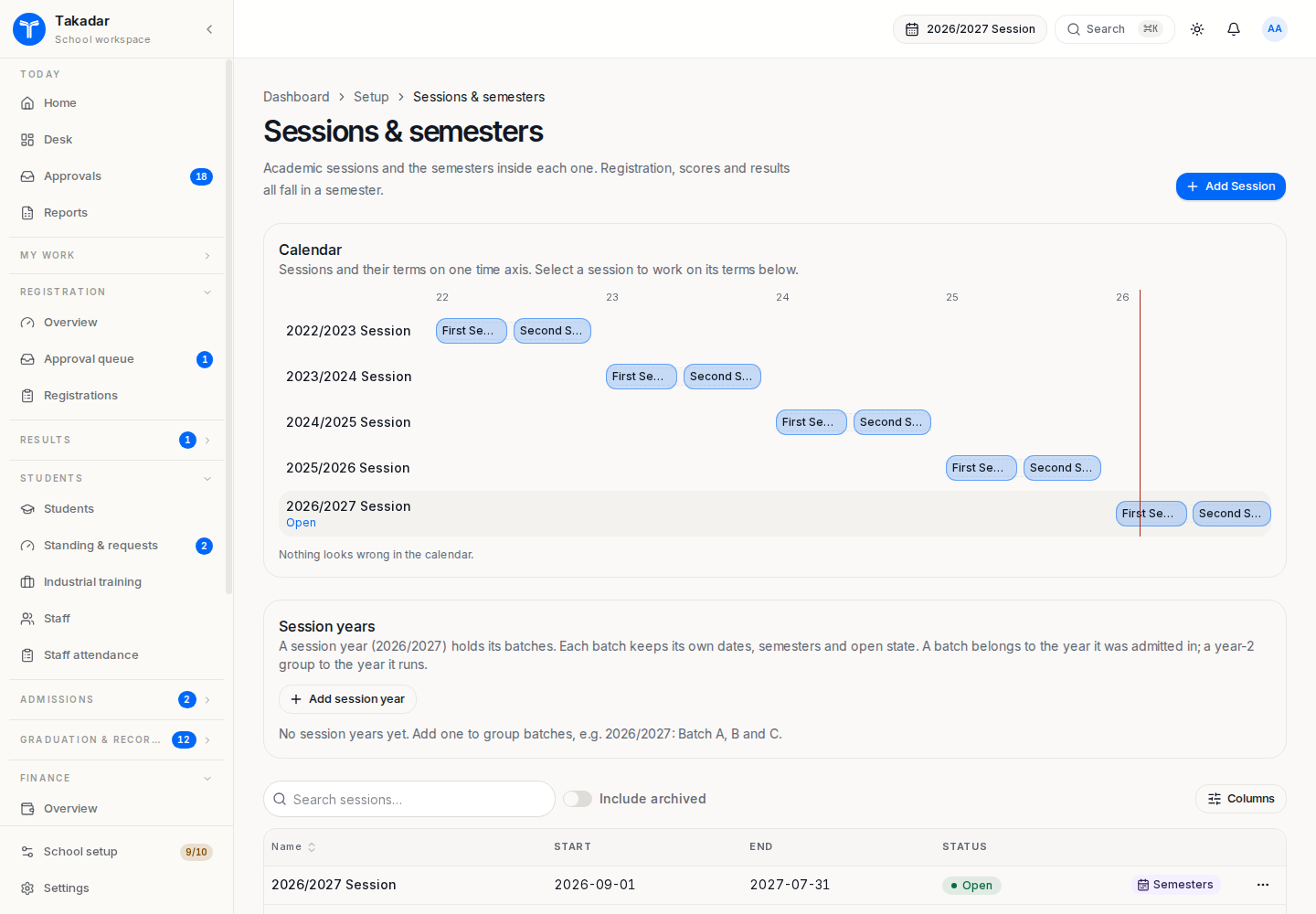
A session holds a cohort’s academic year. A term is a grading period inside that session: a school term, semester or sandwich contact period. An intake identifies where a new cohort starts, which programmes it serves and when applications are open.
Choose the working session
Use the session control in the application header. More than one session may be open, which supports staggered batches. Opening one does not automatically close the others. A session-year label groups batches; it does not replace their individual sessions.
Each open session can have its own current term for each track. Regular and sandwich periods may overlap across tracks; periods within the same track must not overlap. A programme’s delivery mode determines its students’ track.
When reviewing an unexpected list, bill or queue, check the working session first. A student’s portal follows that student’s placement rather than whichever batch staff most recently opened.
Admit into the right starting period
Create an intake in Setup → Admission intakes. Set its session, start term, applicable programmes and application window. A late placement records the joining term.
Earlier term-specific fee plans skip that placement. In higher education, earlier core courses can become late-start deficiencies to resolve; the student does not register in periods before their placement starts. Changing the student’s intake later does not change the admission or matriculation number.
Move on and preserve history
A session can name the session its students move on to. Rollover follows this link; different first-year batches can converge into one later session. Its final step can close just the source session while leaving other batches open.
Closing a historical session protects it against ordinary marks, attendance, placement and registration writes. Reopening requires an authorized action and a reason. Use historical imports for old records rather than reopening sessions merely to load history.
In the demonstration application
These captures use synthetic seeded records. Select an image for the full-size view.